
Free Plugins for Photoshop*
*and any compatible software
*and any compatible software
Eraser Classic
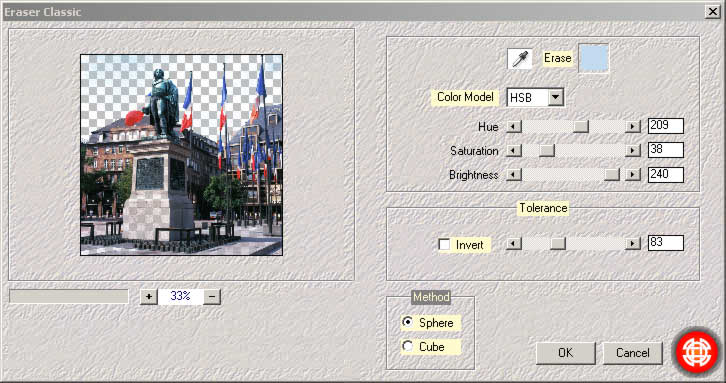
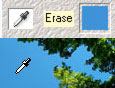 Eraser classic allows to erase easily a given colour. A typical use: activate the eyedropper, select the colour directly in the preview window, and adjust tolerance.
Example: Here the sky between trees has been erased.
| Before | After |
|---|---|
 |
 |
Remark: do not forget that you can use the History Brush Tool  of Photoshop to restore the opacity of certain parts.
- As regards the used algorithm, the plugin proposes two of it:
- Sphere Method: means deducting a sphere in the space of colour (r, g, b). The sphere center is the color you wish to erase, and its radius is proportional to the tolerance.
- Cube Method: means deducting a cube in the space of colour (r, g, b). The cube center is the color you wish to erase, and its sides are proportional to the tolerance.
- For the same tolerance, cube method erases less than sphere method.
See also : Eraser Genuine
This plugin interests you? Click the link below.
Javascript, Please!